DRONCORE Log Sync
The app for the DJI controller (RC Pro, RC Pro 2, RC Plus and RC 2). Sends every flight and the pilot position with no one lifting a finger.
Log Sync

DRONCORE platform
What today is scattered across spreadsheets, folders, controllers and third-party tools, in a single environment. Before, during and after every flight.
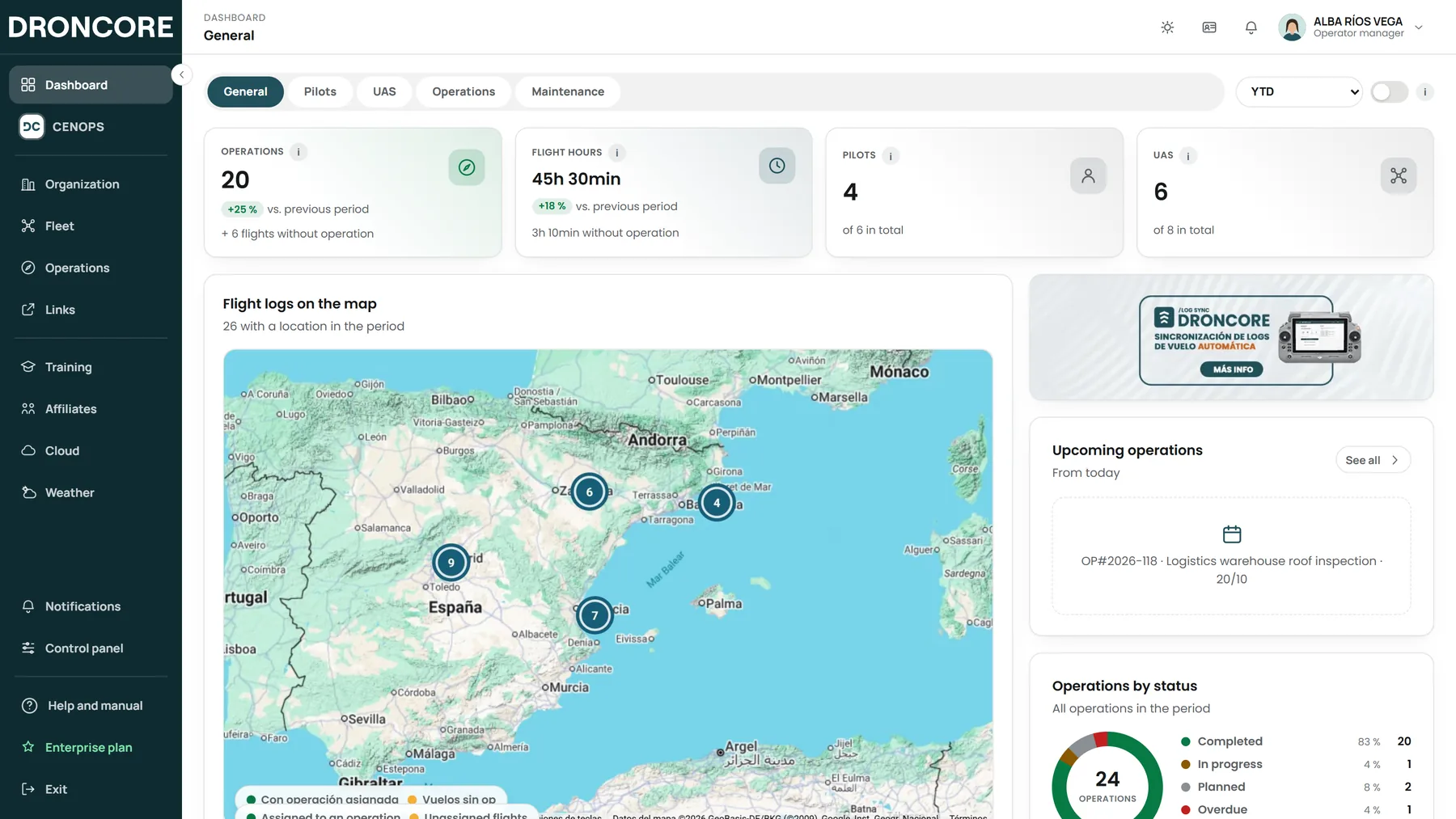
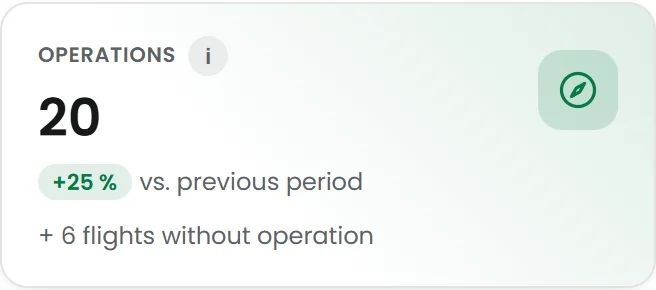
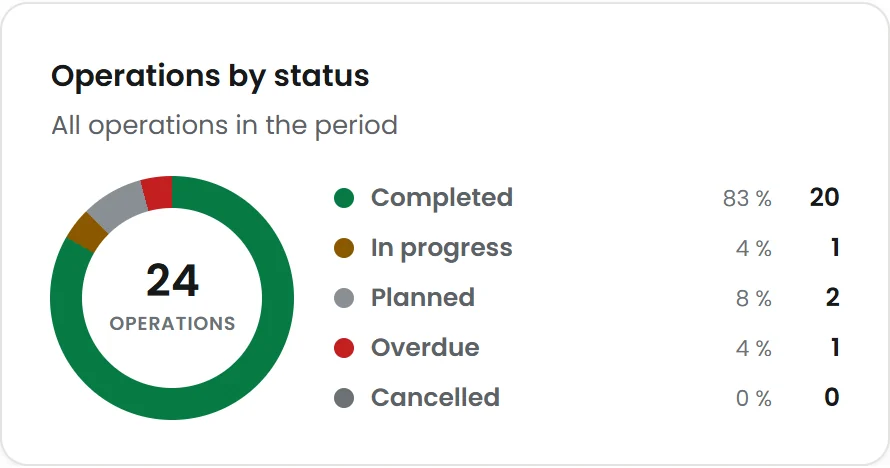
01 · Before the flight
Pilots, fleet and operations ready before take-off, with official data built into the workflow.
Getting started
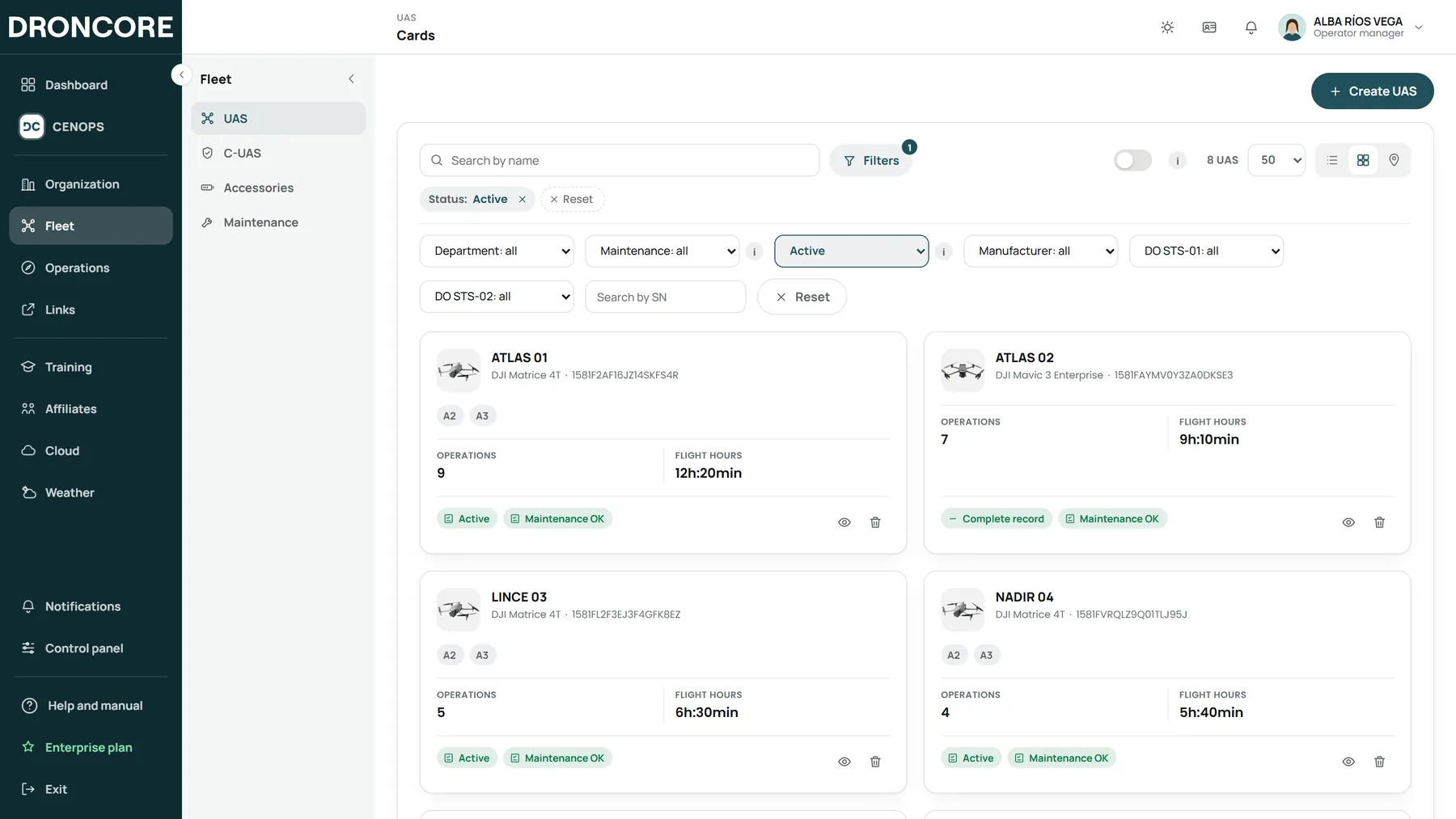
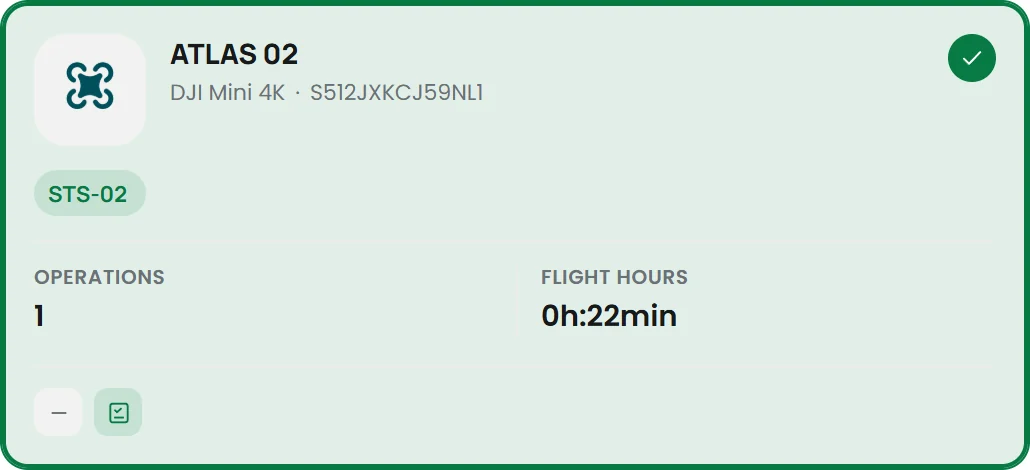
Install DRONCORE Log Sync on your controller or link your DJI account: with the first flights, your fleet registers itself. UAS, controllers and batteries, with model and serial number. If you prefer, upload the whole unit from an Excel sheet.
Pilots
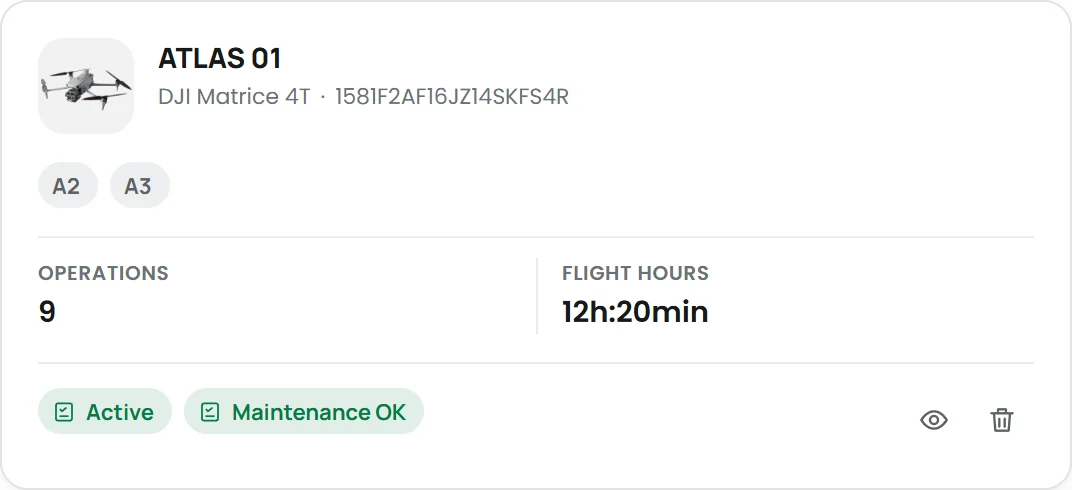
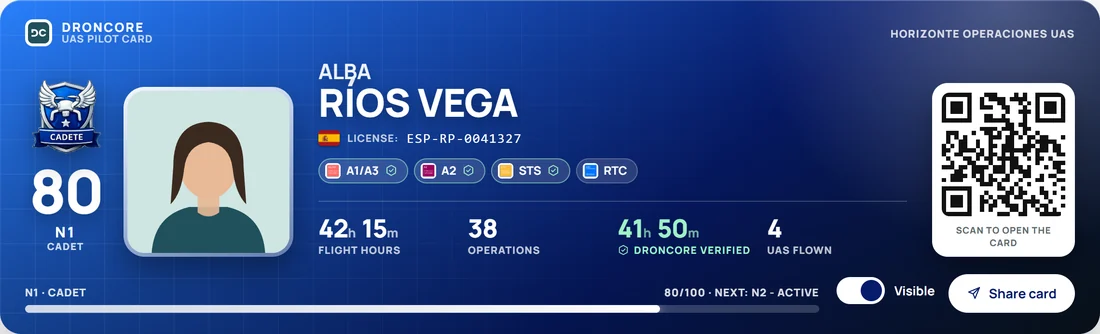
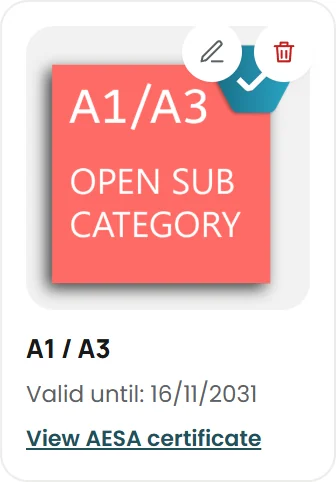
Licences checked against the aviation authority* when the certificate is uploaded, expiry dates tracked and, at a glance, who can fly today. Each with their DRONCORE ID card: verified flight hours, day and night, UAS flown and experience level.
*Currently available in Spain.
Fleet and batteries
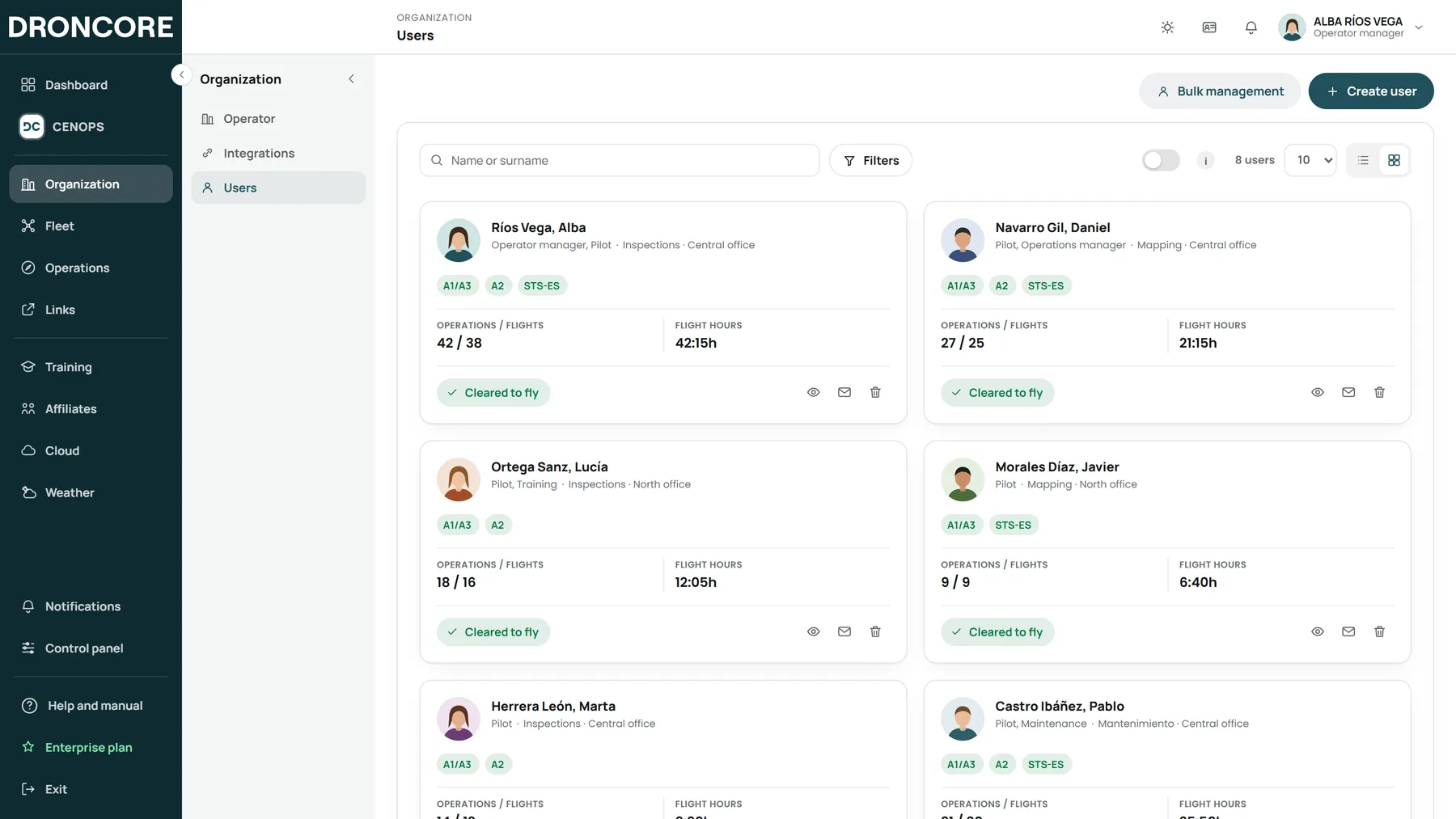
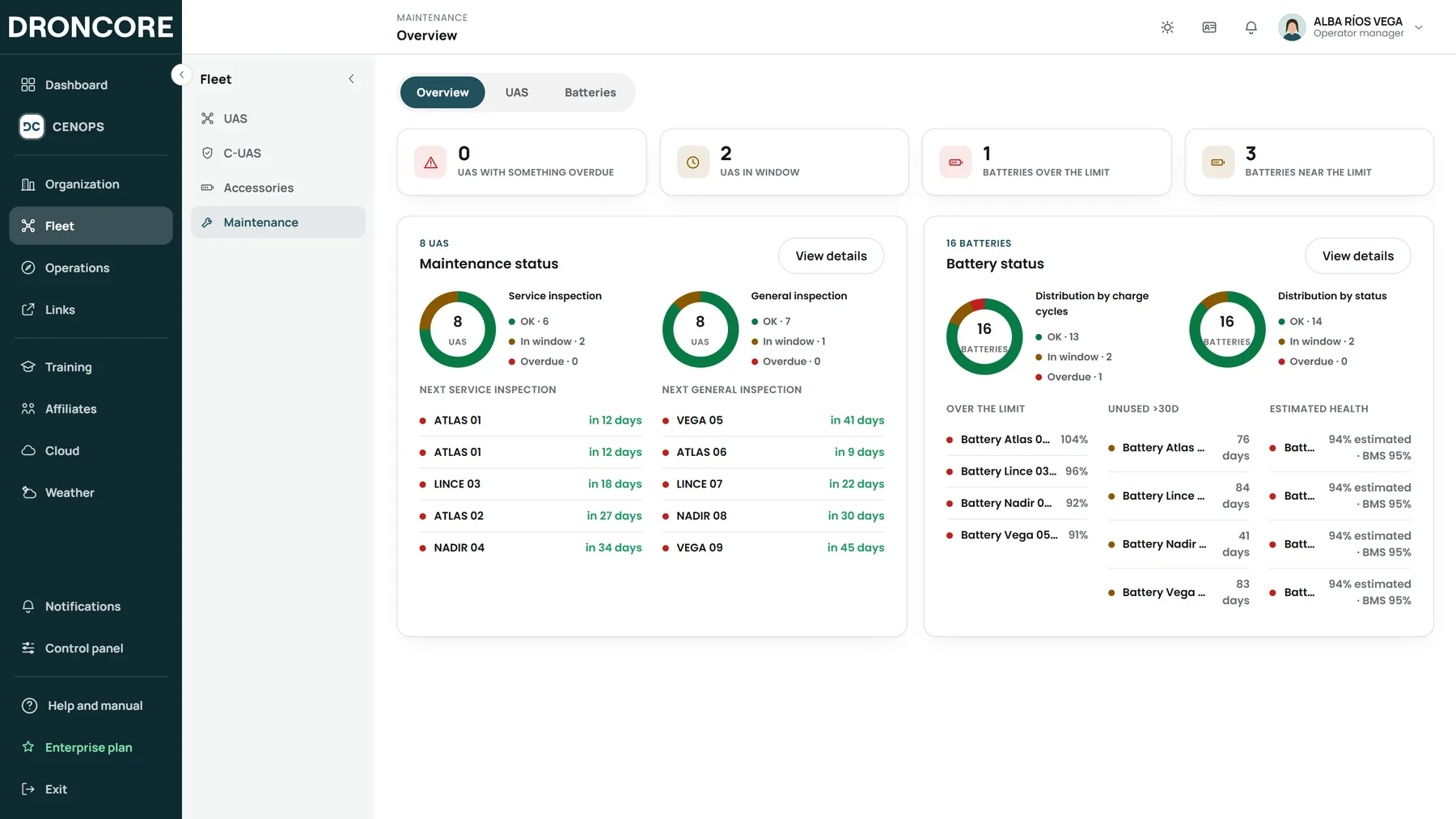
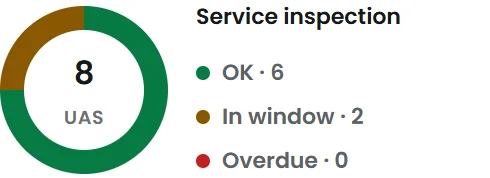
Every UAS and every battery with its hours, status and history. Cycles, charges and estimated health from real telemetry, and a maintenance plan by hours and by date with traffic-light status.
Operations
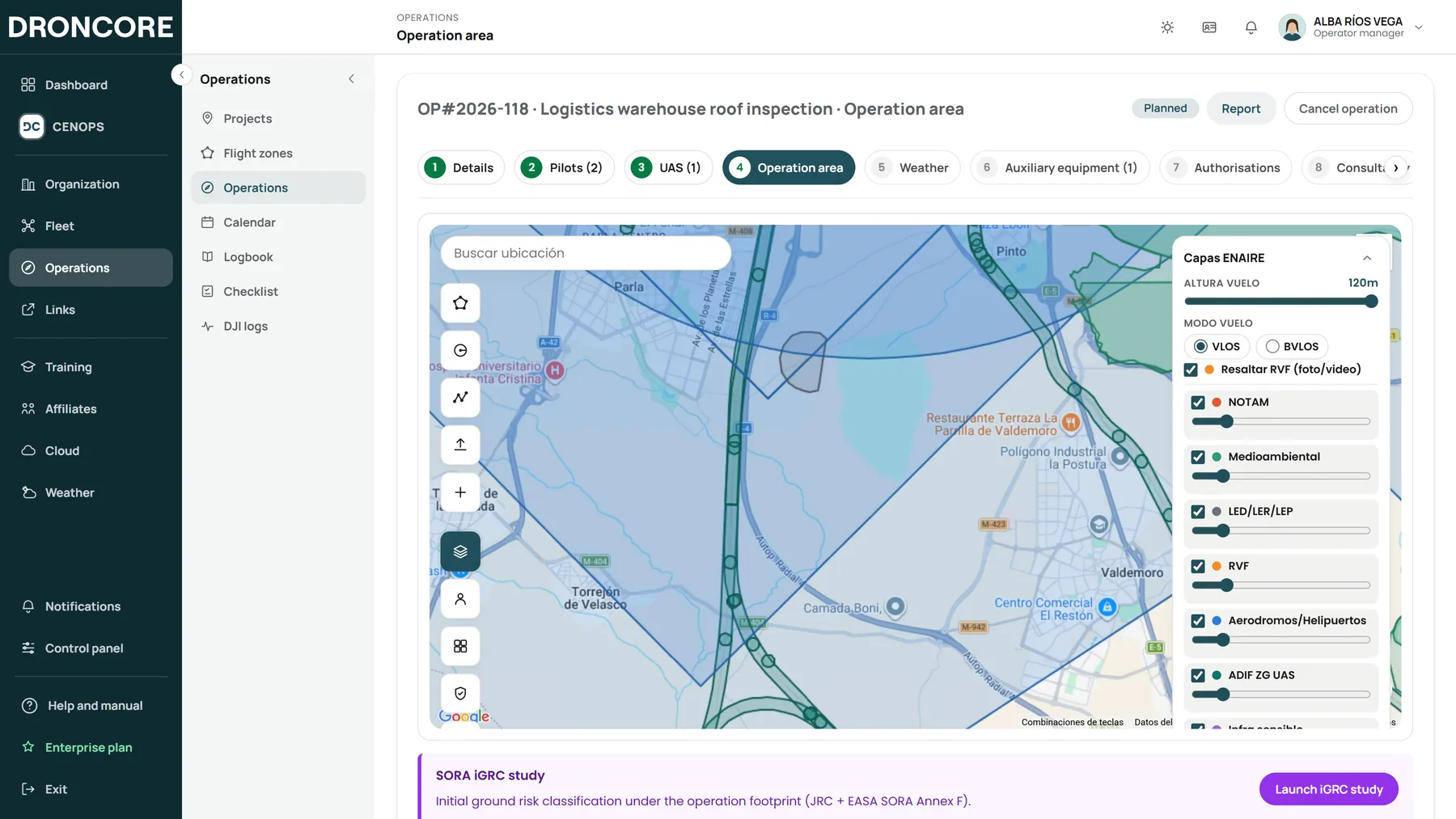
Draw the area on the map and DRONCORE checks the airspace*: it shows the restrictions in your flight zone and whether you need authorisation, notification or coordination. Add population and land-use layers and it calculates your operation’s iGRC under SORA.
*Currently available in Spain.
Checklists
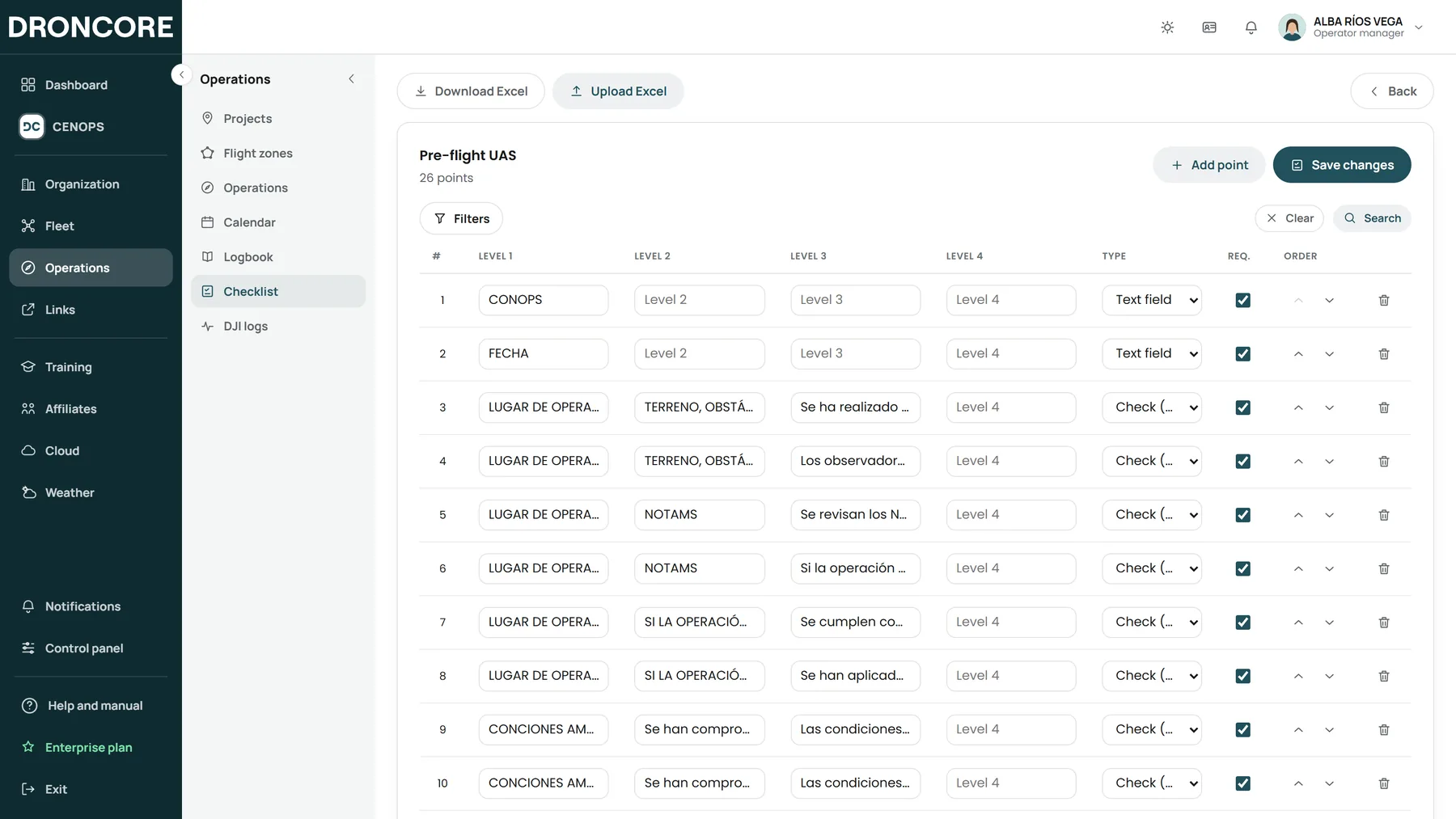
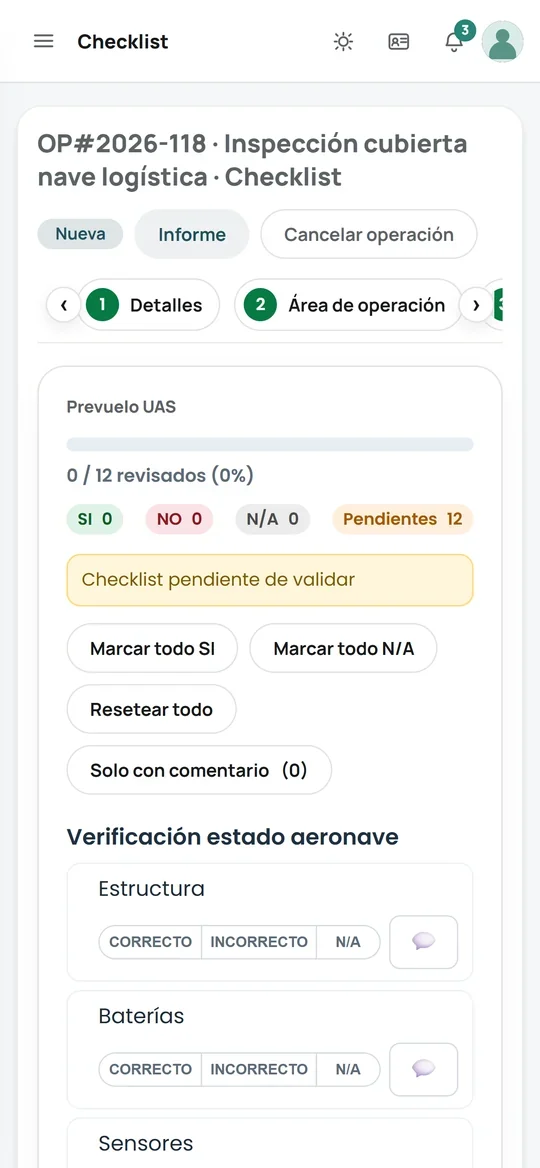
Design them once and your team completes them on their phone, in the field, before and after the flight. They are signed and stored with the operation, and export to Word and PDF.
02 · During the flight
The DRONCORE Operations Centre: all your UAS on one map in real time, the video of each one, annotations that reach the pilot’s controller, teams on foot with TeamSync and several organisations in the same project.
03 · After the flight
Every record that comes in triggers a chain that used to be done by hand: it identifies the equipment, creates the operation, updates the logbook, measures the batteries, tracks maintenance and alerts the right person.
How flights arrive
DRONCOREWhat updates itself
The app for the DJI controller (RC Pro, RC Pro 2, RC Plus and RC 2). Sends every flight and the pilot position with no one lifting a finger.
Log SyncIf your flights already sync with DJI, connect the account and DRONCORE downloads them automatically.
DJI Cloud SyncDocks and devices connected to the DJI cloud: records, media and the status of each device.
IntegrationsDrag and drop flight files, historical ones too. DRONCORE flags duplicates and doubtful matches.
Flight recordsFlight analysis
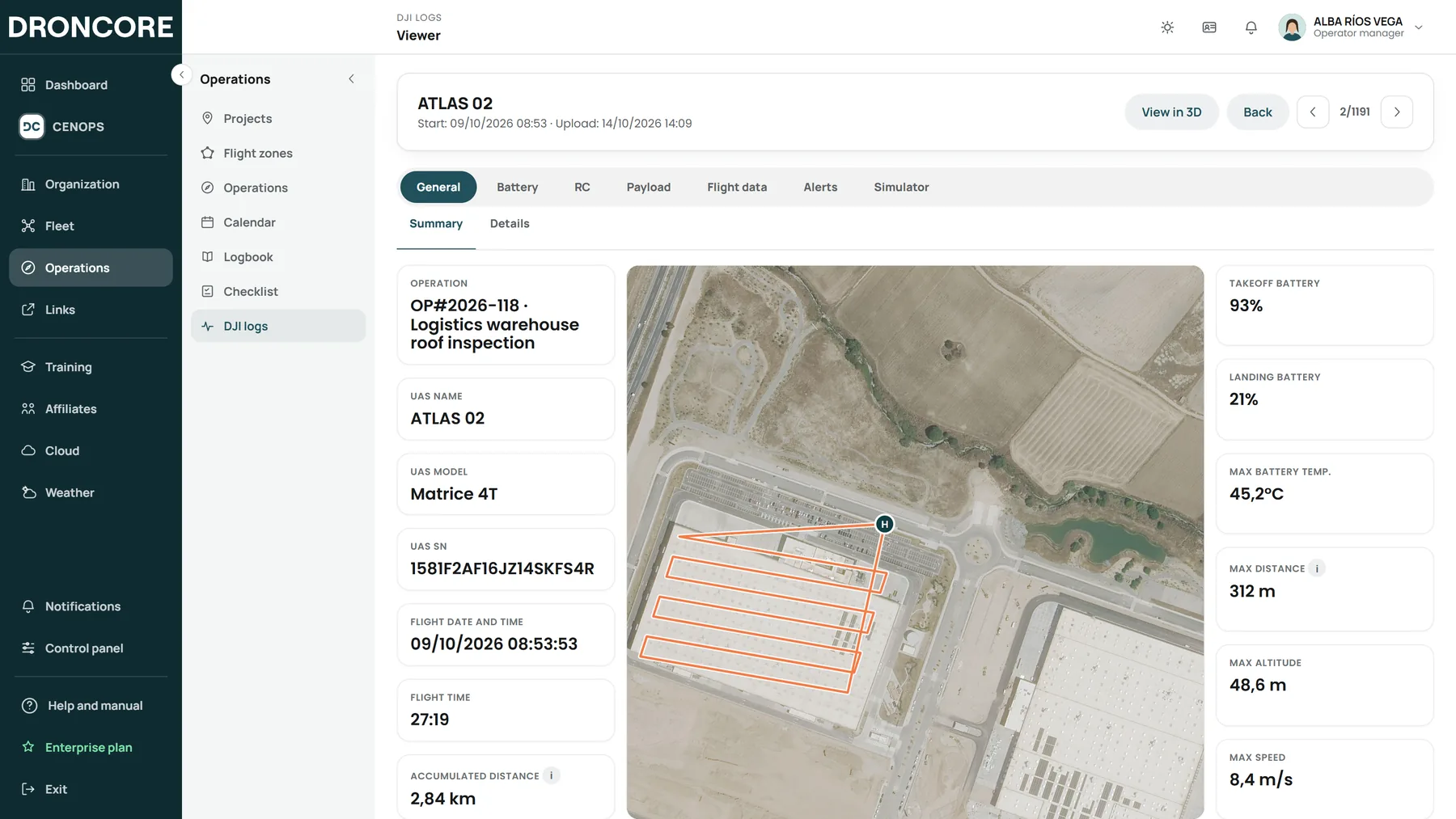
Review the battery, controller, payload and flight data of every record, replay it step by step and see the alerts at the exact moment they happened.
Documentation
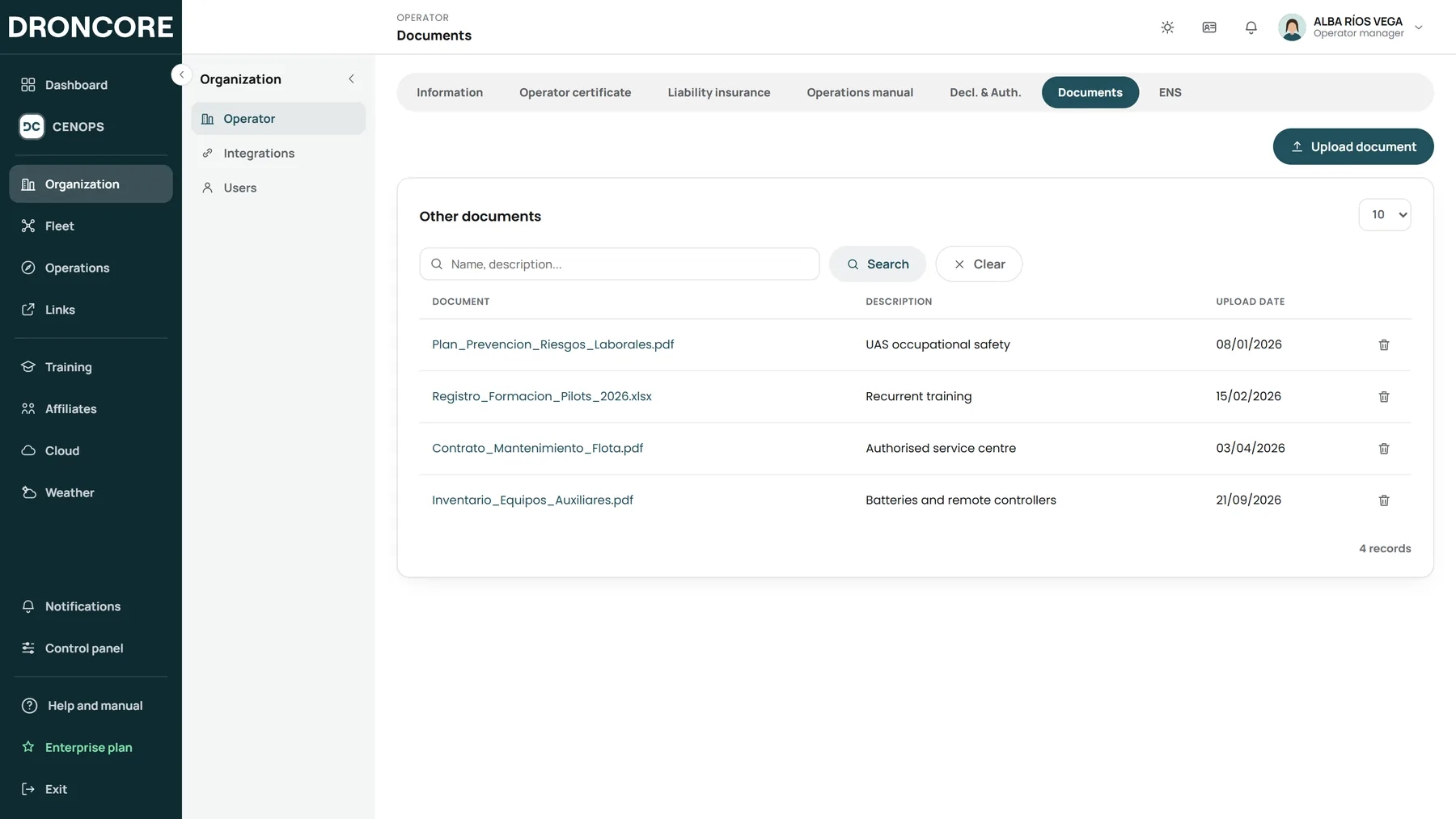
Operator certificate, insurance, operations manual and authorisations, with alerts before every expiry. And an operation report with the sections you choose and your organisation’s branding.
04 · Integrations
DRONCORE does not force you to change equipment or the way you work. It connects to the DJI ecosystem, official data sources (airspace, aviation authority, geodetic network and mobile coverage, in Spain) and your tools (KML, KMZ, GeoJSON, Excel and Word).
DRONCORE05 · Compliance and security
So that an inspection or an audit is never a problem.
*Currently available in Spain.
06 · Tailored to you
On the same base of users, fleet, operations and records, turn on only what your organisation needs.
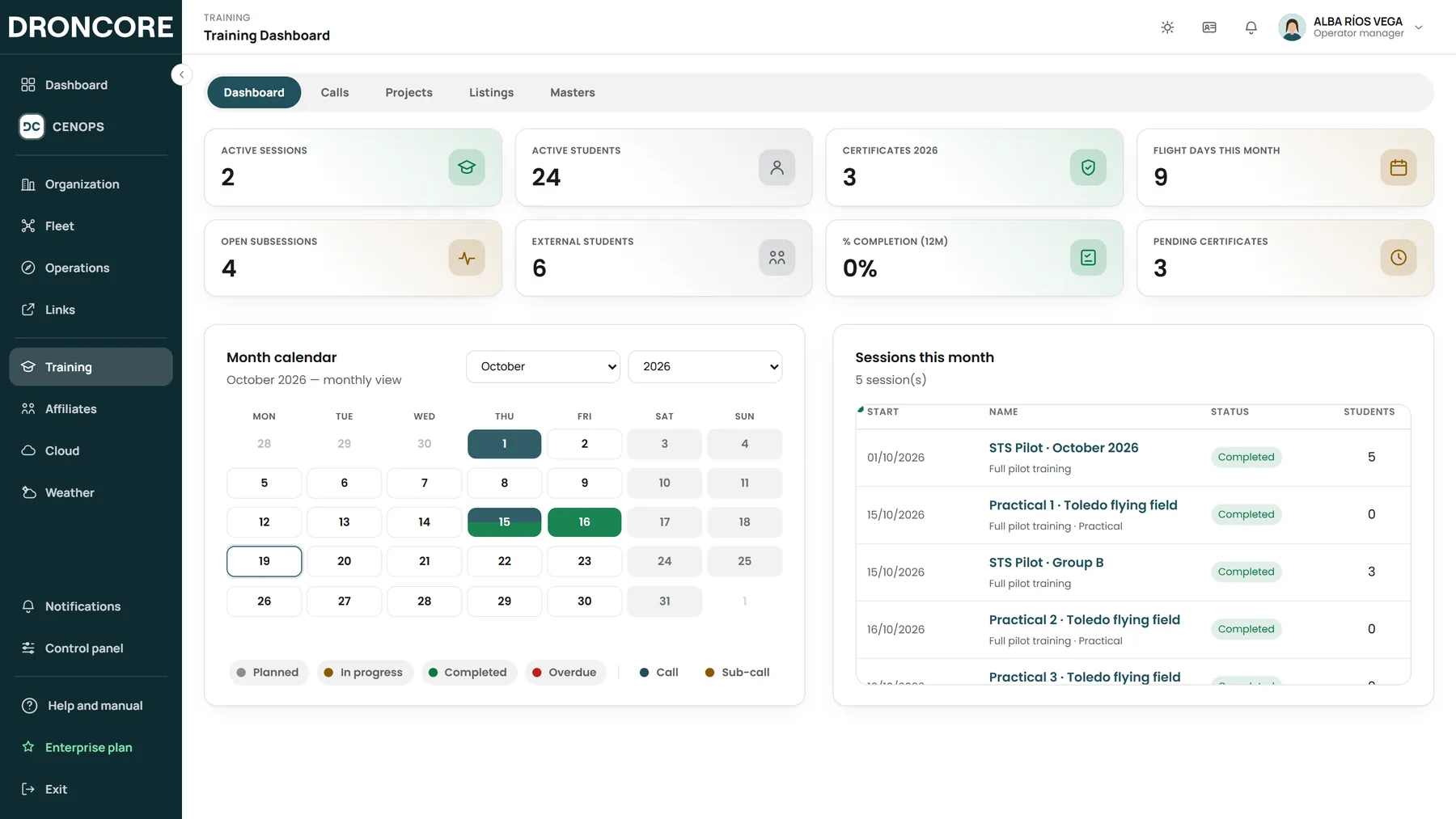
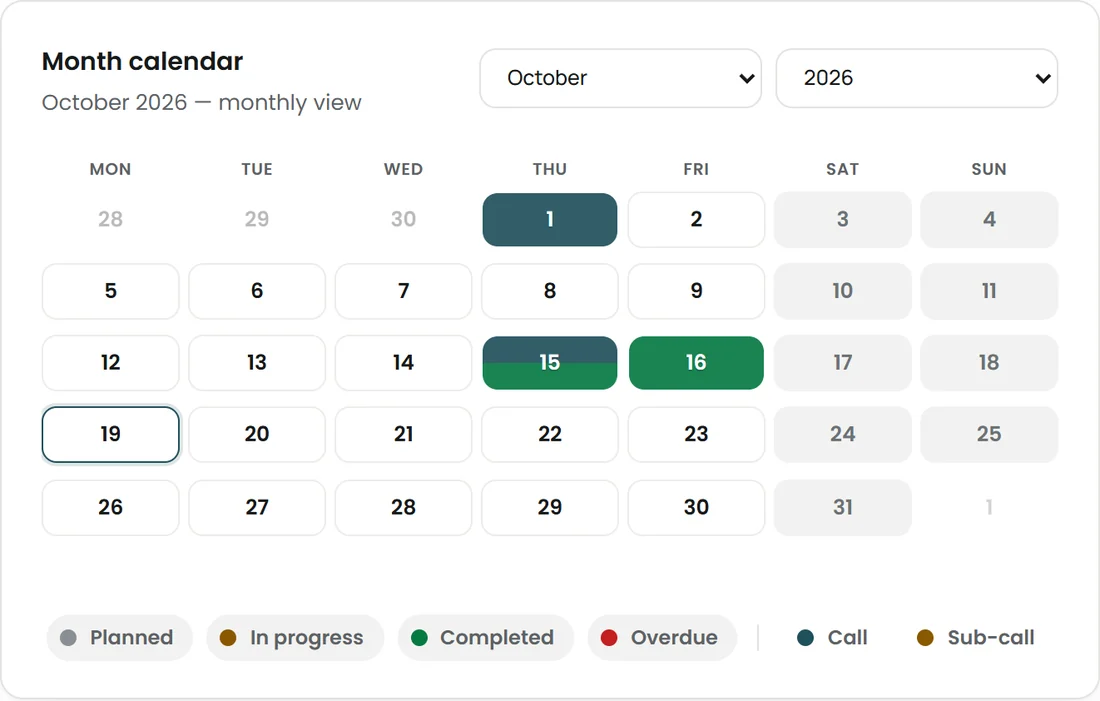
Courses, students and practical sessions. Tablet-based assessment and certificates with verifiable digital signatures.
See module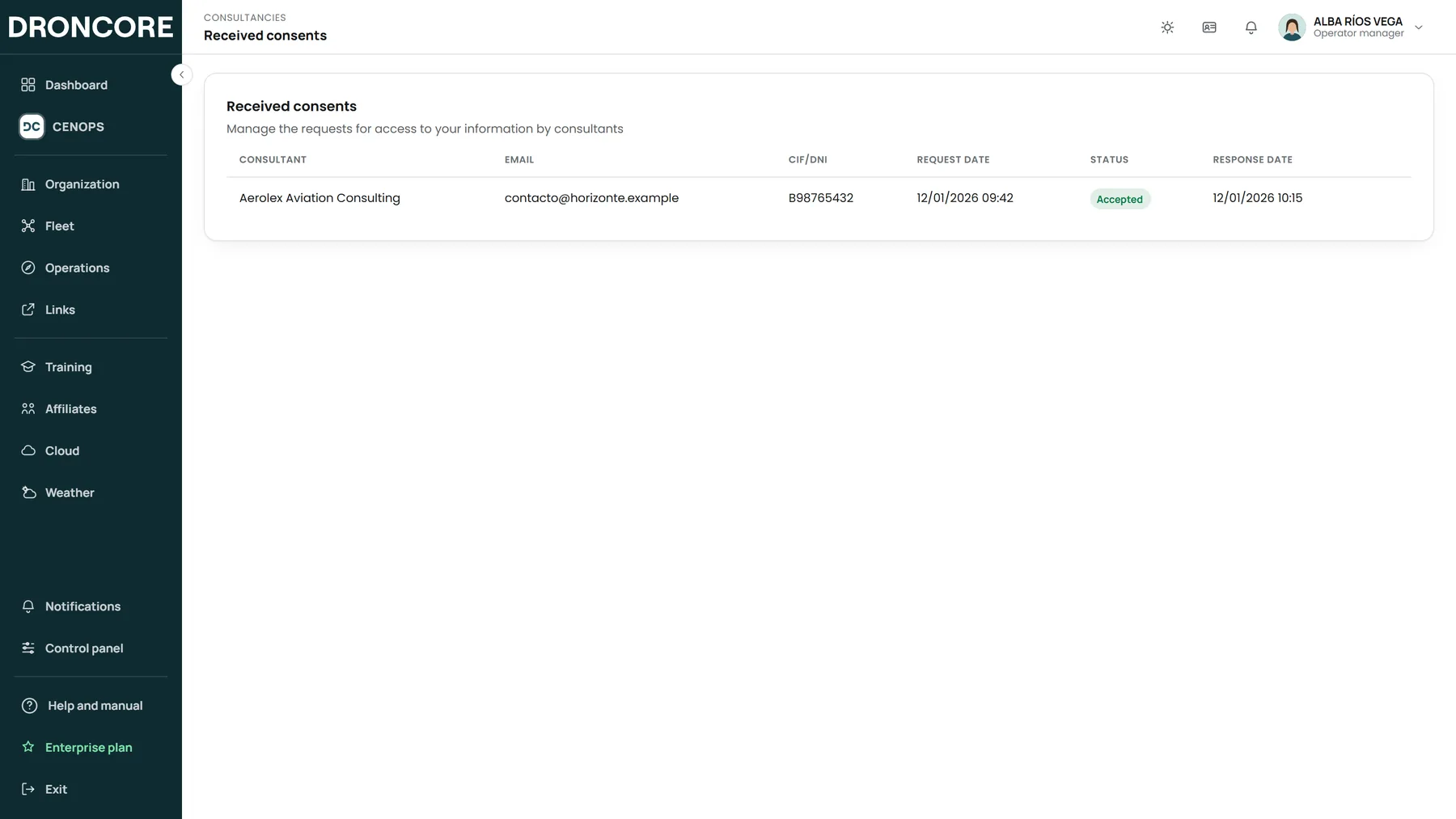
Manage your clients’ operators from a single login, with consent and an access log.
See module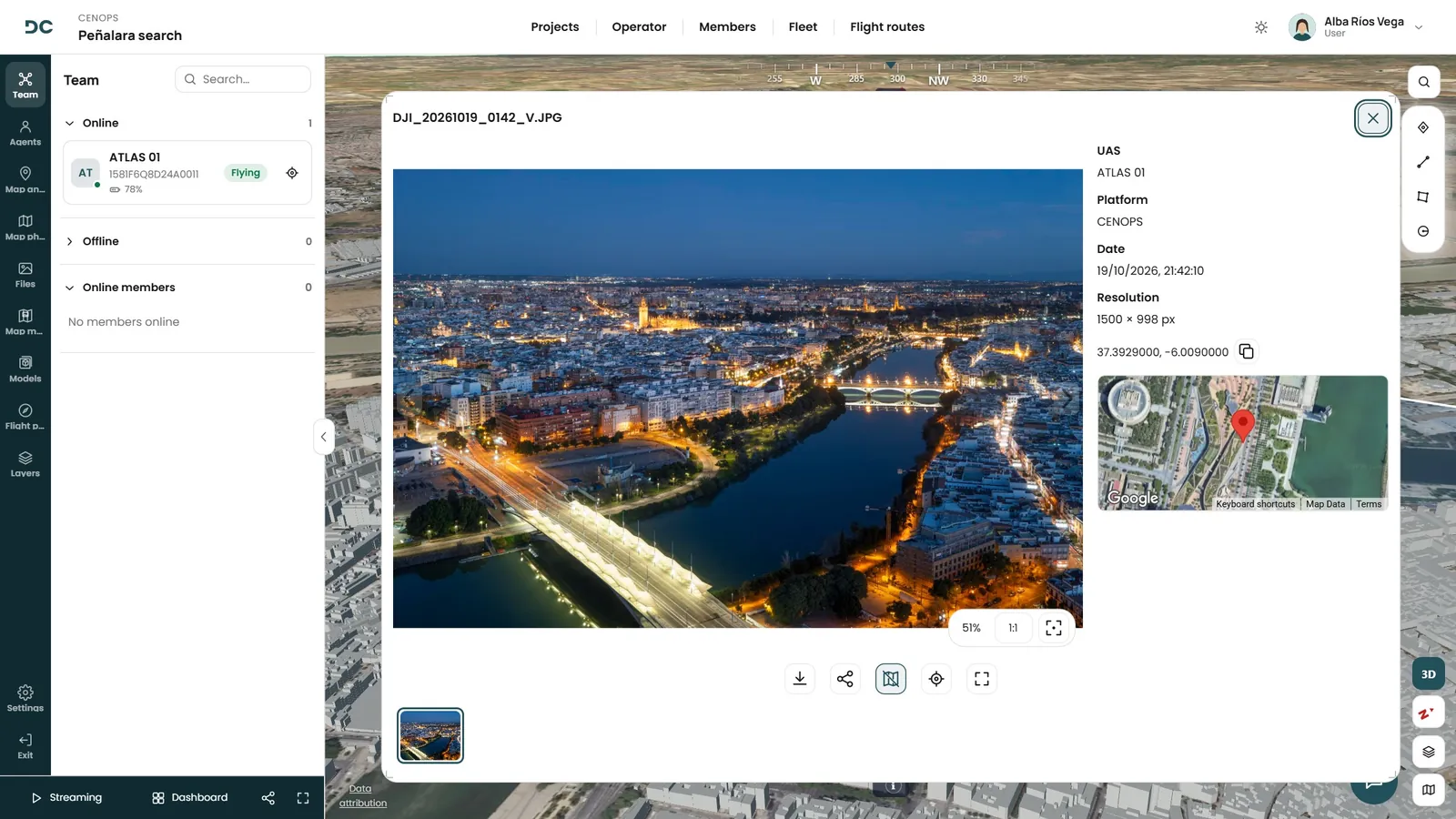
Photos, videos, 360°, orthophotos and 3D models linked to their operation and placed on the map.
See moduleWeather interpreted against the capabilities of each UAS model.
Learn moreLive detections and own vs. unknown UAS, for organisations that need it.
Learn moreIntegrations, internal workflows and custom development for organisations with specific needs.
Let’s talkFrequently asked questions
Minutes. Sync the flight records from your controller or link your DJI account and the fleet registers itself, with model and serial number. You can also upload the whole unit from Excel.
When you draw the area, DRONCORE checks the airspace restrictions for the zone and, with population density and land-use layers, calculates the operation’s iGRC under SORA. Airspace and population data are currently available in Spain.
Four ways: from the controller with DRONCORE Log Sync, from the DJI account, from FlightHub 2 or by uploading them on the web. They link themselves to their pilot, UAS, batteries and operation.
DRONCORE groups flights into operations automatically. If one is left unassigned, you can link it later and the logbook, pilot and UAS update.
On infrastructure hosted in the European Union. Organisations that need it can store their files in their own storage space.
Book your demo
We will show you DRONCORE and CENOPS with a case like yours. No commitment.