Records from your DJI account

Link your DJI account and stop downloading

If your flights already sync with your DJI account, DRONCORE downloads them automatically and turns them into your operator’s activity.

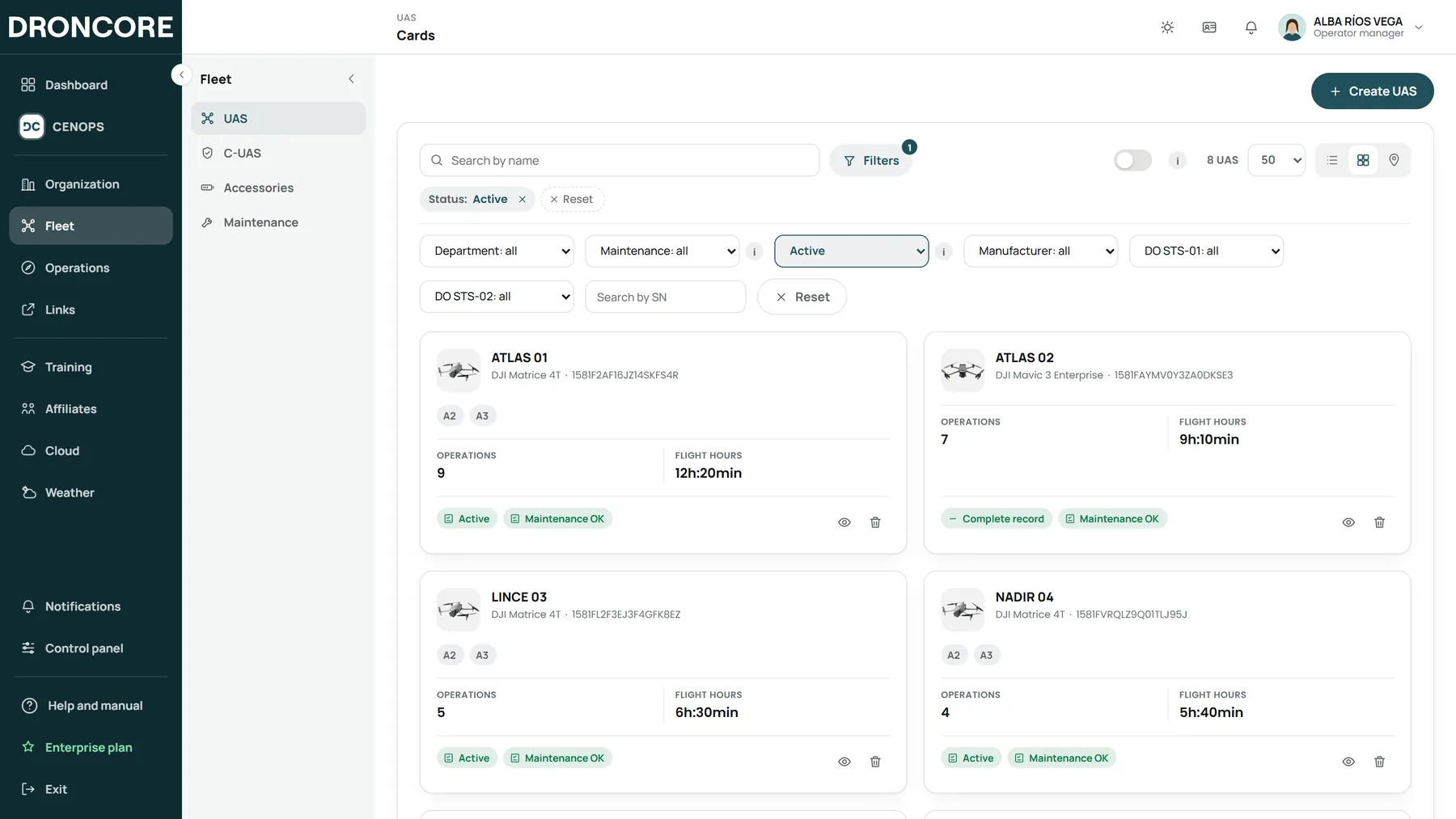
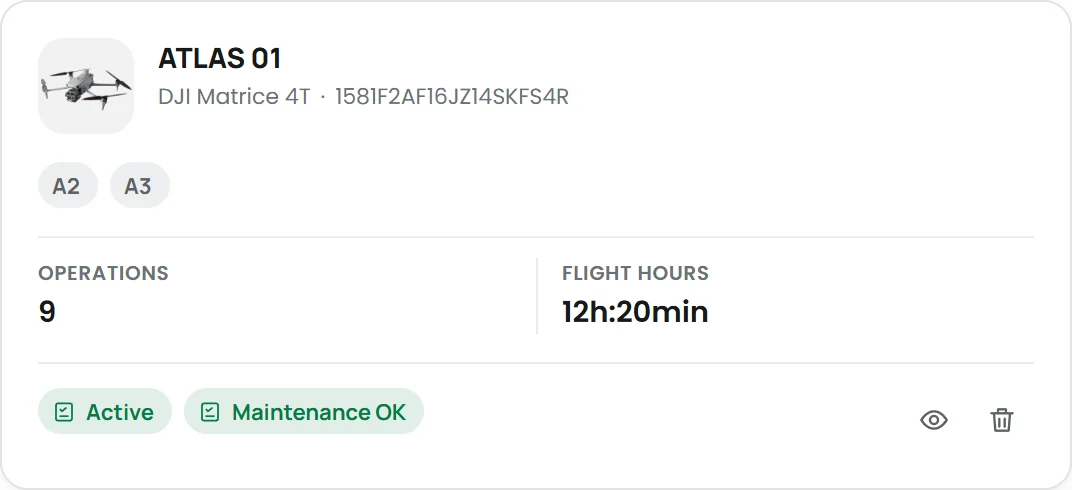
Fleet created from the flights
UAS identified by serial number

Nothing to install

Connect the account and check the sync status.

Automatic fleet

UAS and batteries identified on every flight.

Real statistics

Hours, flights and use of every device.

Two routes, one result

Log Sync or DJI account

DRONCORE Log Sync works from the controller; the DJI account, from the DJI cloud. Both feed the same flights, the same fleet and the same logbook.

How flights arrive

DRONCORE Log SyncApp on the DJI controller: sends every flight and the pilot position when it ends.
DJI accountLink your account and the flights DJI already syncs come in automatically.
FlightHub 2 and Cloud APIDocks and devices connected to the DJI cloud.
Web uploadDrag and drop flight files, historical ones too.
DRONCORE

What updates itself

FleetUAS, controllers and batteries by serial number.
LogbookFor the operator, every pilot and every UAS.
BatteriesCycles, charges and estimated health.
MaintenanceHours and dates, with traffic-light status.
AlertsTo the right person, in the platform and by email.

Book your demo

Shall we talk?

We will show you DRONCORE and CENOPS with a case like yours. No commitment.